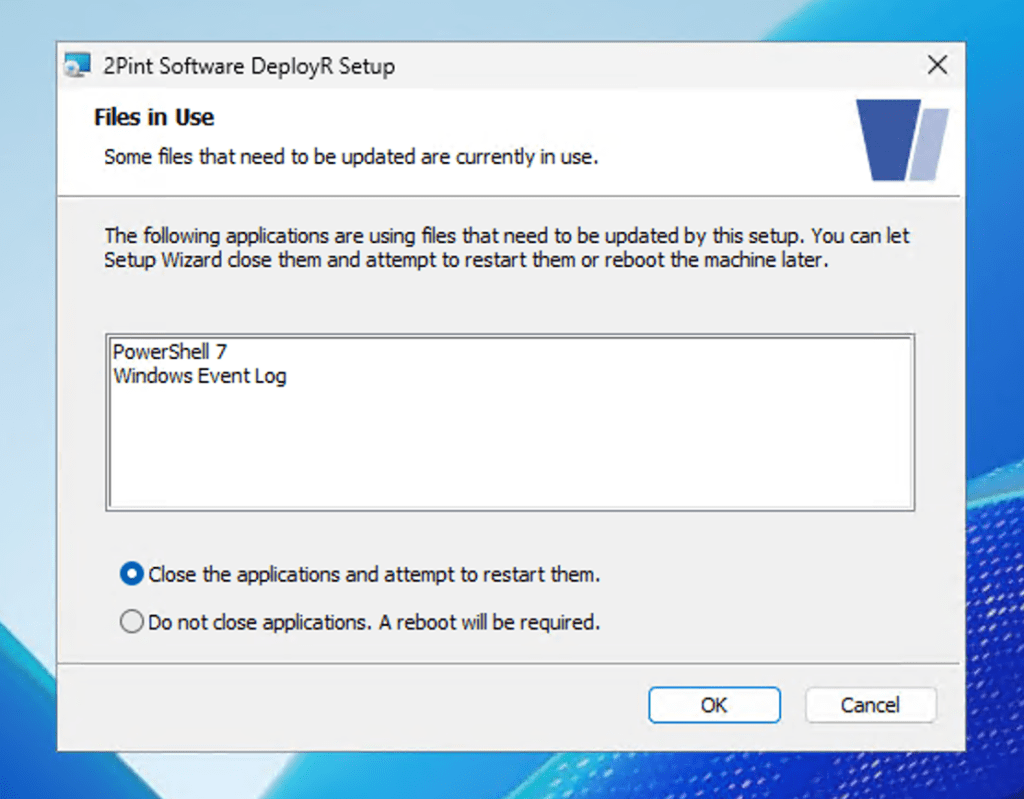
You’ve all probably seen a dialog like this when using a Windows Installer MSI to upgrade an existing product:
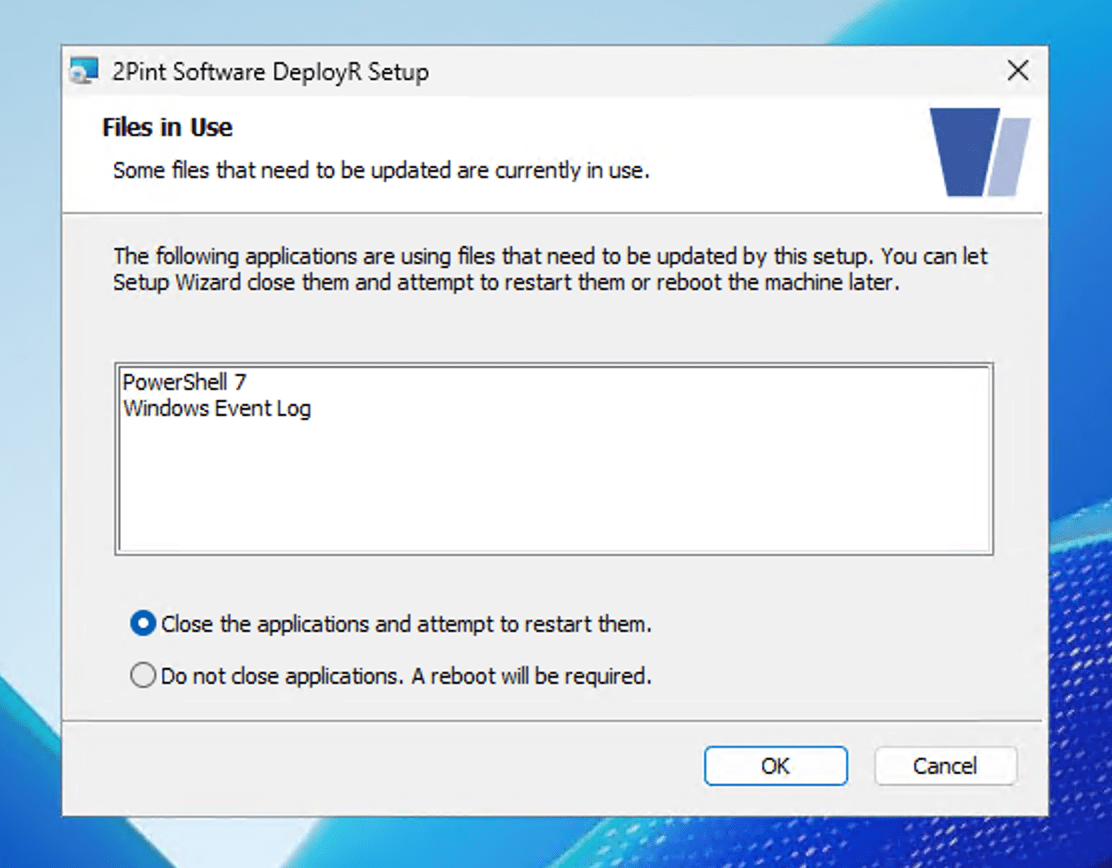
OK, files are in use. And you’ve probably also seen messages where Windows Installer then says that it was unable to close the applications. But what do you think would happen if you saw this dialog, told it to “Close the applications and attempt to restart them,” but then closed the apps yourself before clicking OK (as I started doing when I noticed that it wasn’t able to close the apps)? That’s right, the MSI installation will proceed almost to the end and then roll back. Sigh.
So, if you plan to close the apps yourself before clicking OK, be sure to select the “Do not close applications; a reboot will be required” option. And no, no reboot will be required because it will find that the in-use files were no longer in use. Of course.