
One of the features that we have in DeployR is the ability to create full stand-alone USB media. But I do my testing on Hyper-V VMs, and that makes things a bit more difficult when the process will only show you USB drives attached locally. So what’s the best way to do that? A good question, but I did at least find “some” ways that work.
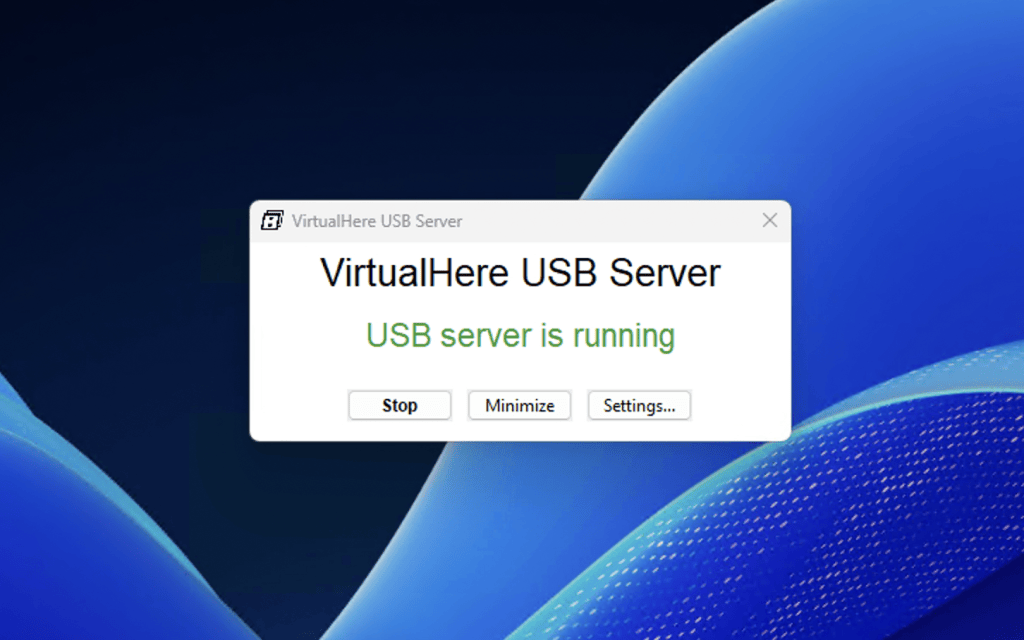
When I have a need to use real media, e.g. a Samsung T9 SSD, my preferred choice is VirtualHere, https://www.virtualhere.com/. It has two components: a USB server that can run on just about any OS. It makes attached USB drives on that computer available on the network:
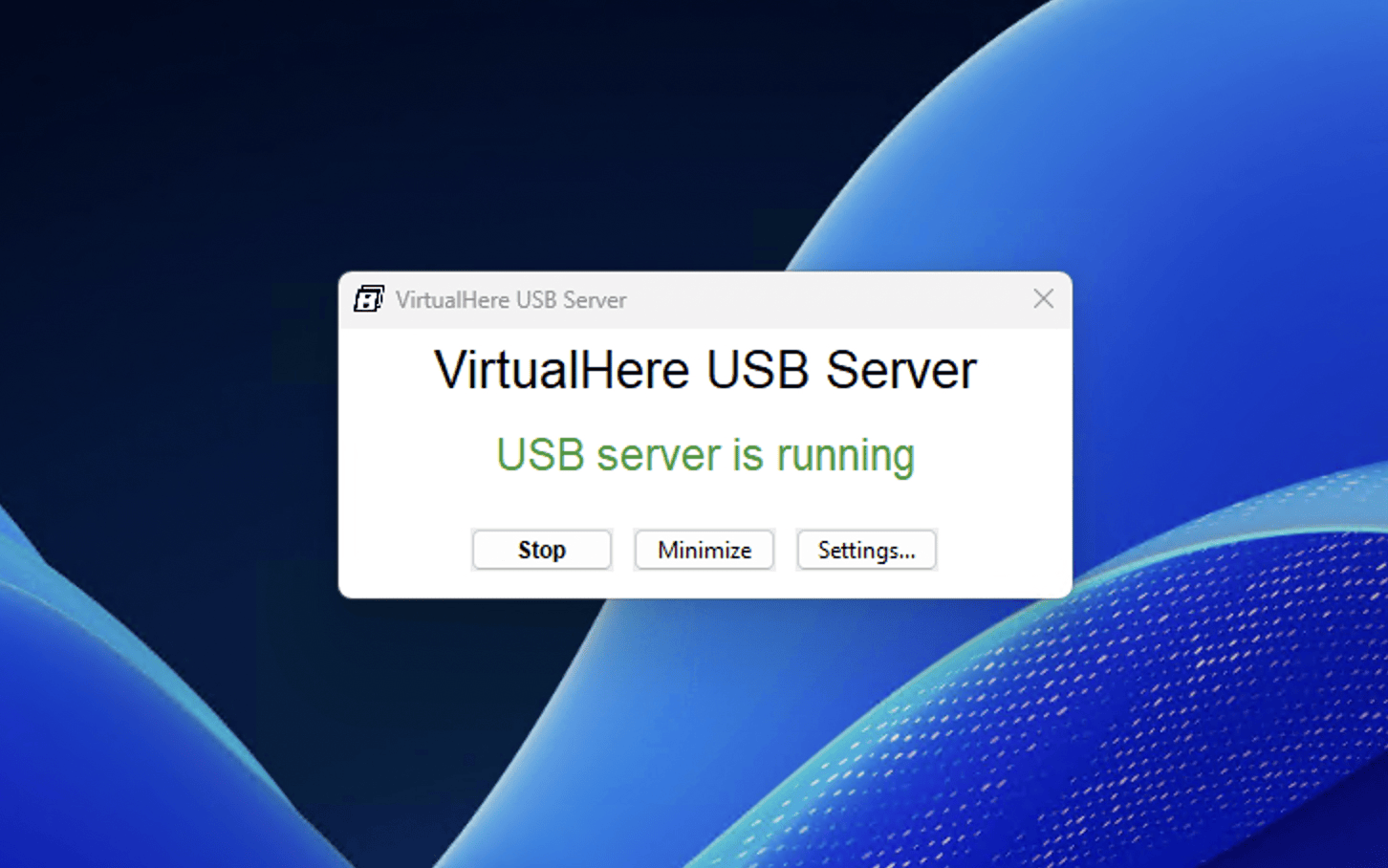
Super simple. Then there is the client piece, which you run on the virtual machine (or really any machine) and point to the USB server (it often can auto-discover the servers that are available on the network). Right click on one of the USB devices and tell it to use it:
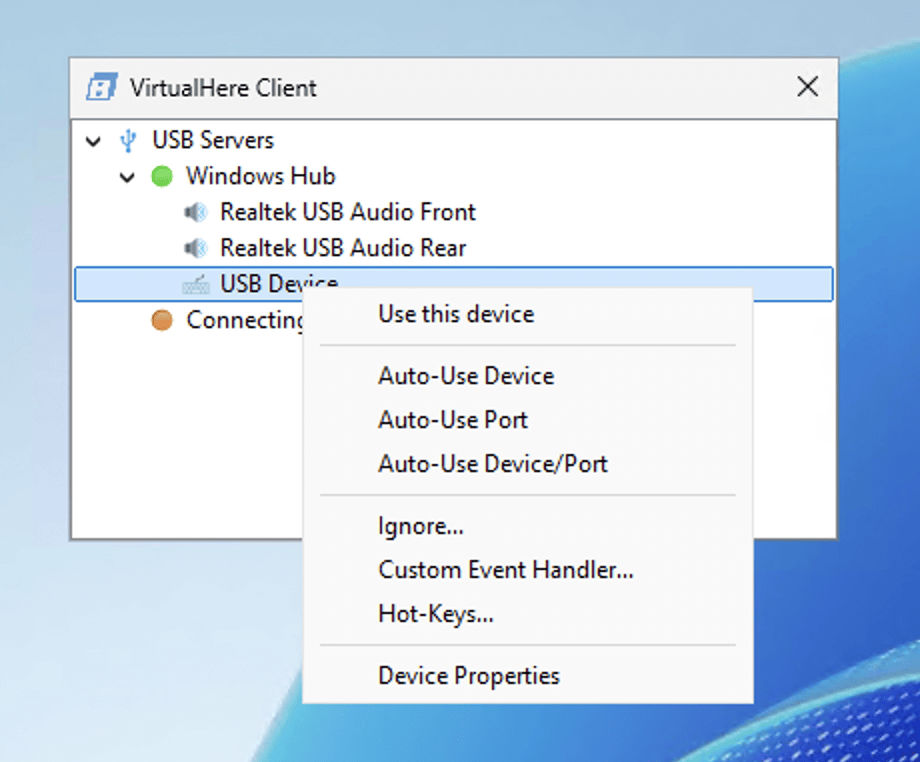
When you’re done, disconnect it. The performance is reasonable — obviously slower than a directly-attached USB device, but I’ve done hundreds of gigabytes to a USB drive without issue.
In the example above, my Hyper-V server doesn’t have a USB drive attached. I’m not home to attach one. No problem, I can run the server on my MacOS laptop, thousands of miles away, and use a USB key that I’ve inserted, even over my Tailscale network.
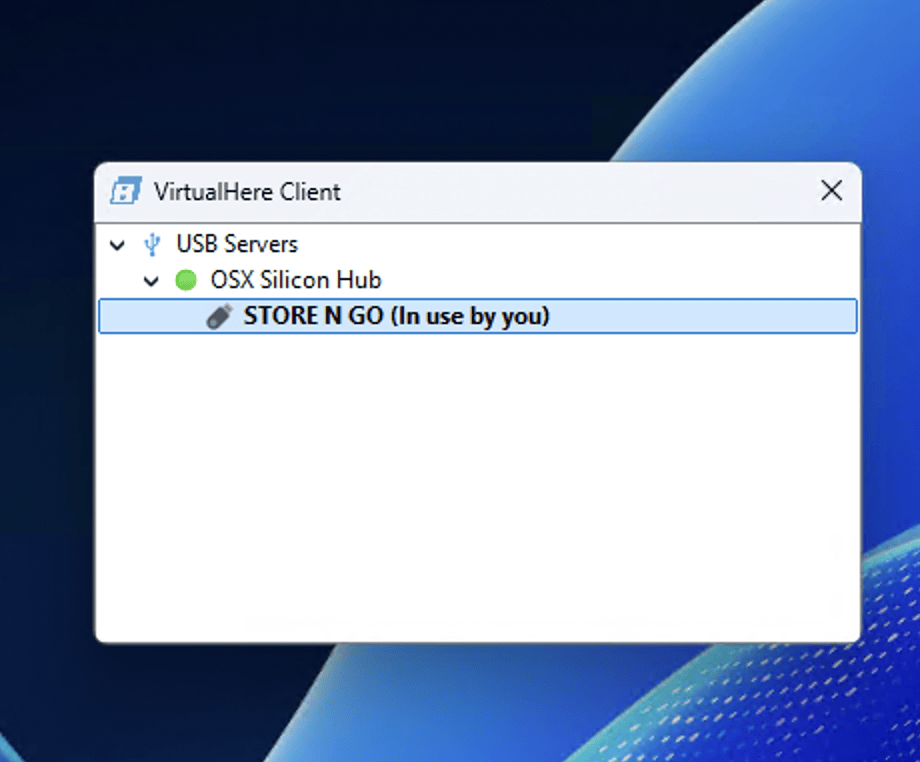
Once connected, you can’t tell the difference between the remotely-connected device and a local device:
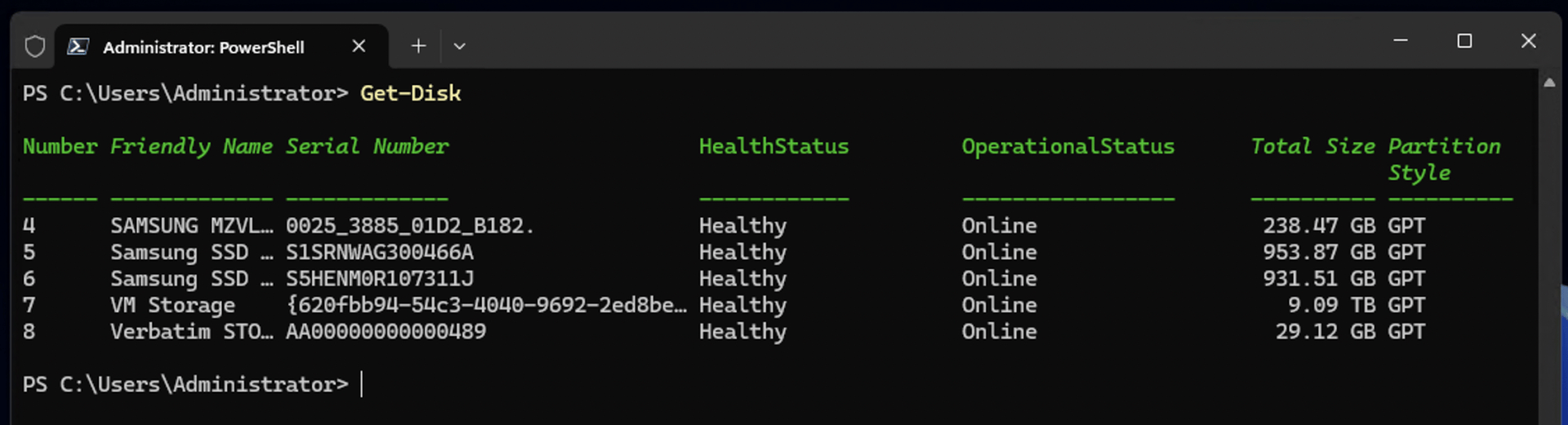
That last disk is the 32GB USB key in my Mac (currently located in the Netherlands), connected to Hyper-V (in Washington state) over Tailscale.
With a single device, usage is free. Paid versions provide support for more devices and features.
But what if you just need a writable USB location without an actual physical device? Here’s where I wanted to use that:
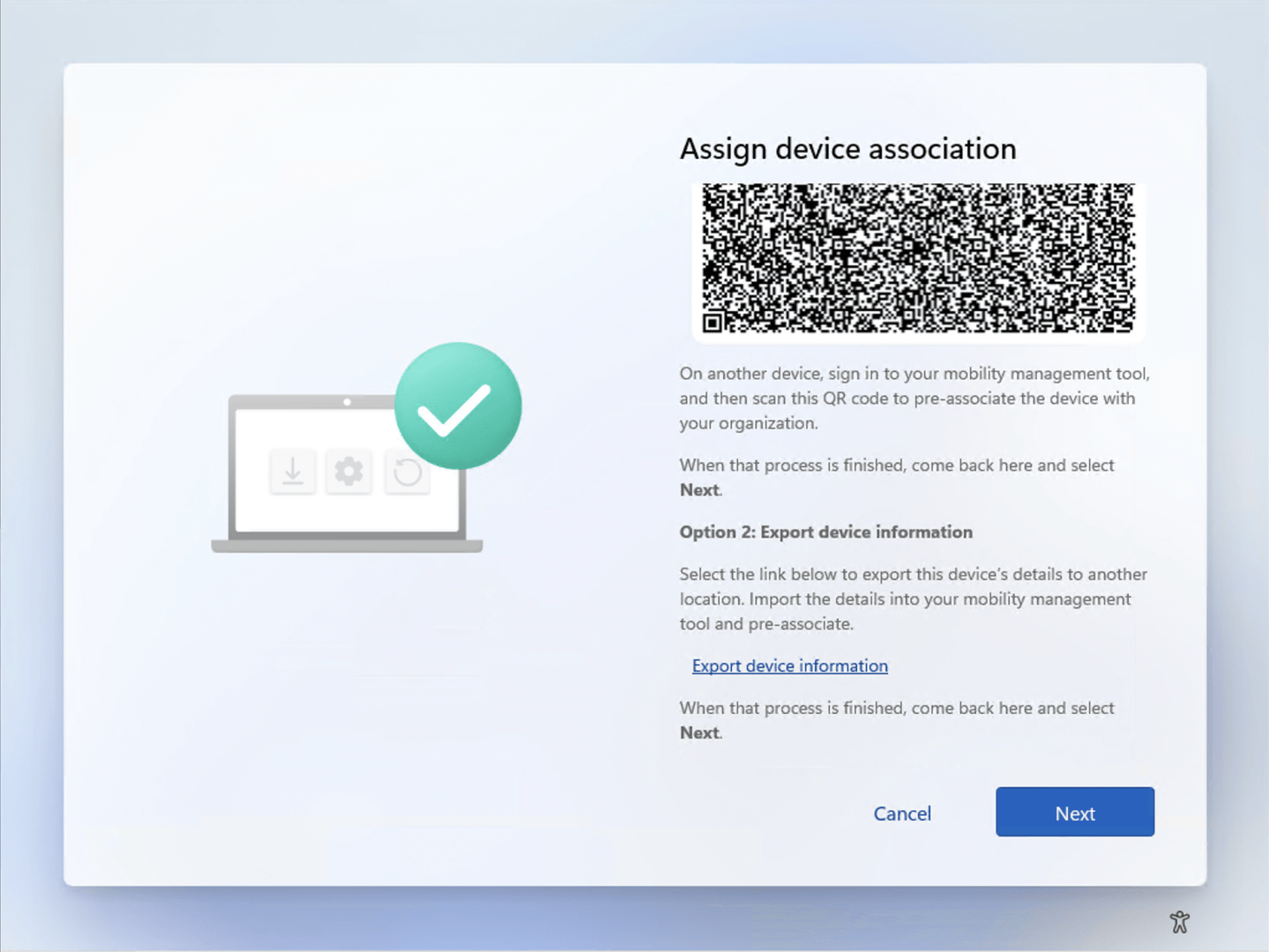
That “Export device information” link will only export to a removable drive. I could use VirutalHere to mount one, but I really just needed a throwaway. For that situation, I used Arsenal Image Mounter, https://arsenalrecon.com/products/arsenal-image-mounter. It’s free to use and probably overkill (and the download page is annoying — just say no to the Mega.nz downloader), but it gets the job done. I downloaded it in OOBE (Shift-F10), extracted the files from the zip, and then ran the Arsenal Image Mounter executable. From there you can tell it to create an image file:
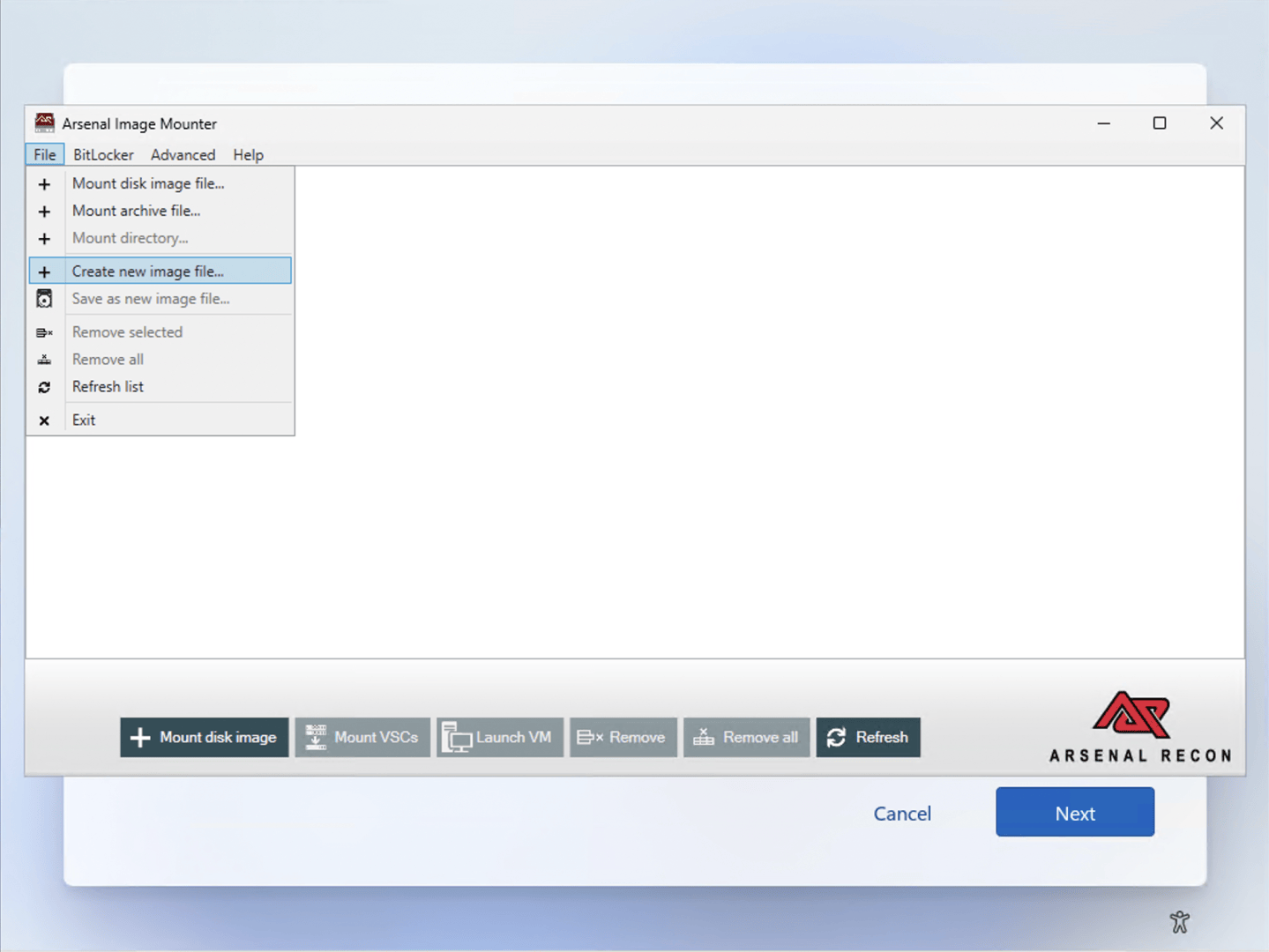
You can specify the name of the VHD file to create and the size and it mounts it — as a non-removable disk. Well, you could do that yourself without third-party software, so why do you need this? Well, remove the device and then add it again, which will show an options dialog:
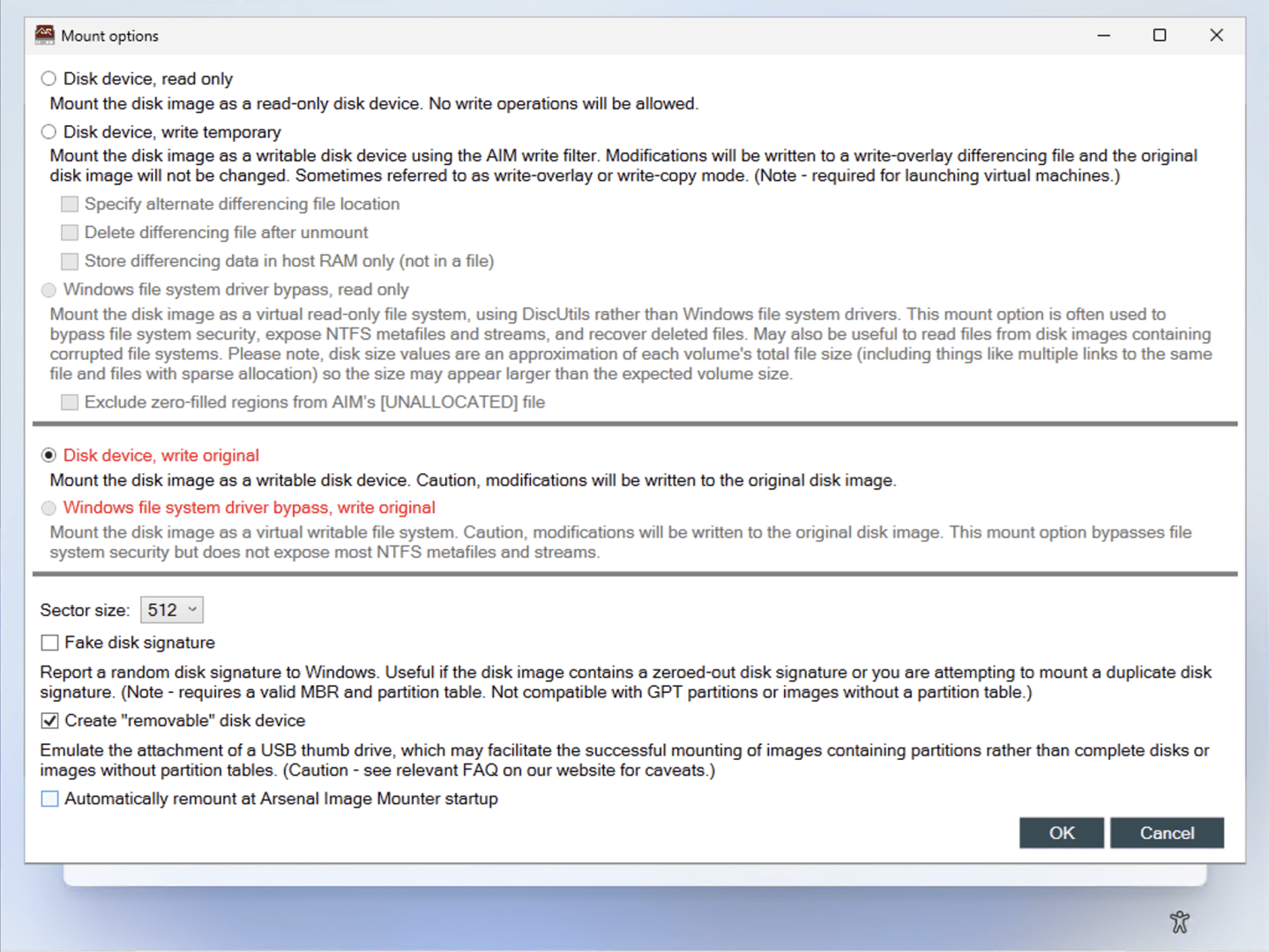
Choose “Disk device, write original” and “Create ‘removable’ disk device” then click OK. Now you have something that will look just like a USB key, and it works just fine:
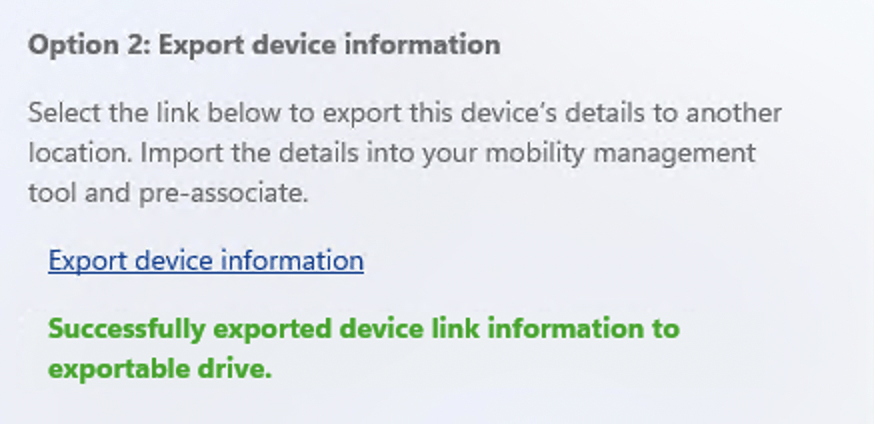
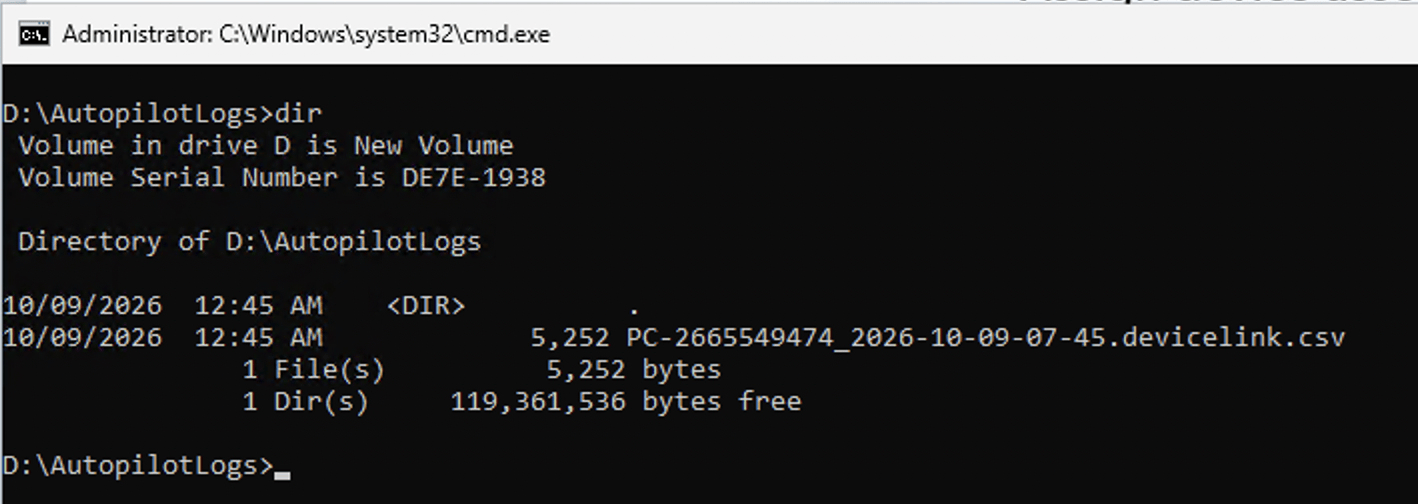
Yay, worked fine.
I’m sure there are other tools out there that can meet the needs too — typically I stop looking when I find something that works, and these work. But if you know of other similar tools, let me know.





Leave a Reply