
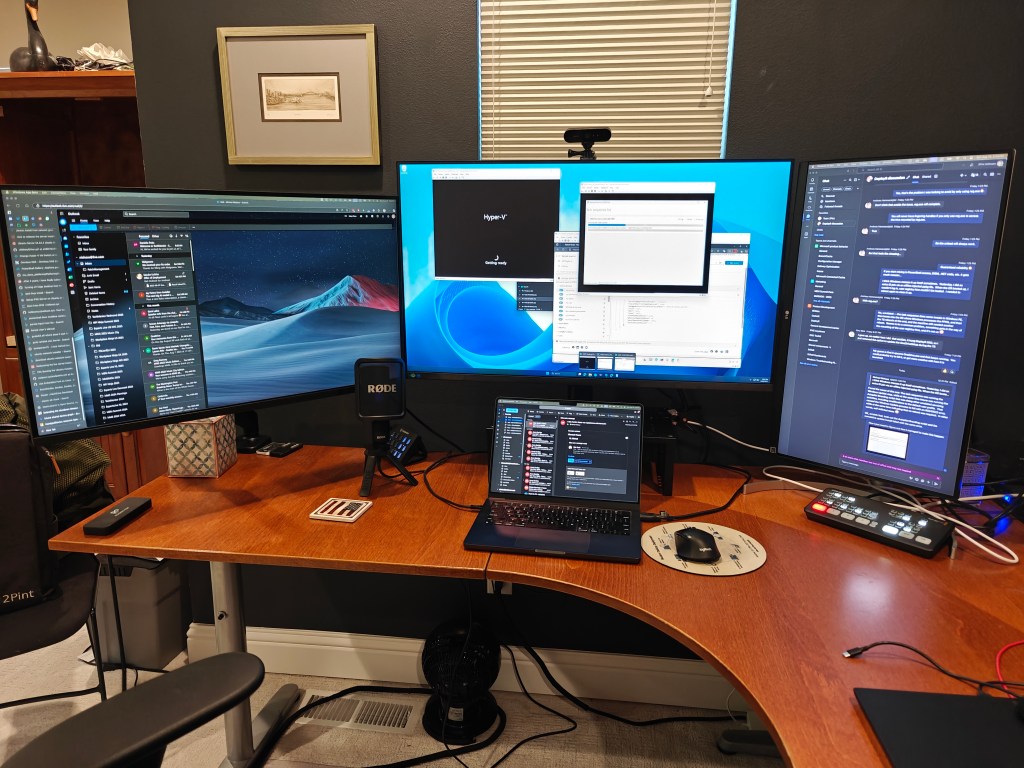
For a long time, I’ve used three displays attached to my MacBook Pro (well, four counting the Mac’s display): One 32″ monitor in the center, flanked by two 27″ displays, one landscape (mostly for browsing) and one portrait (mostly for Teams/chatting). But I had an “opportunity” to upgrade: I could donate one of the 27″ monitors to my daughter and get something even bigger. How big? As big as the first LCD TV that I ever bought (over 20 years ago):
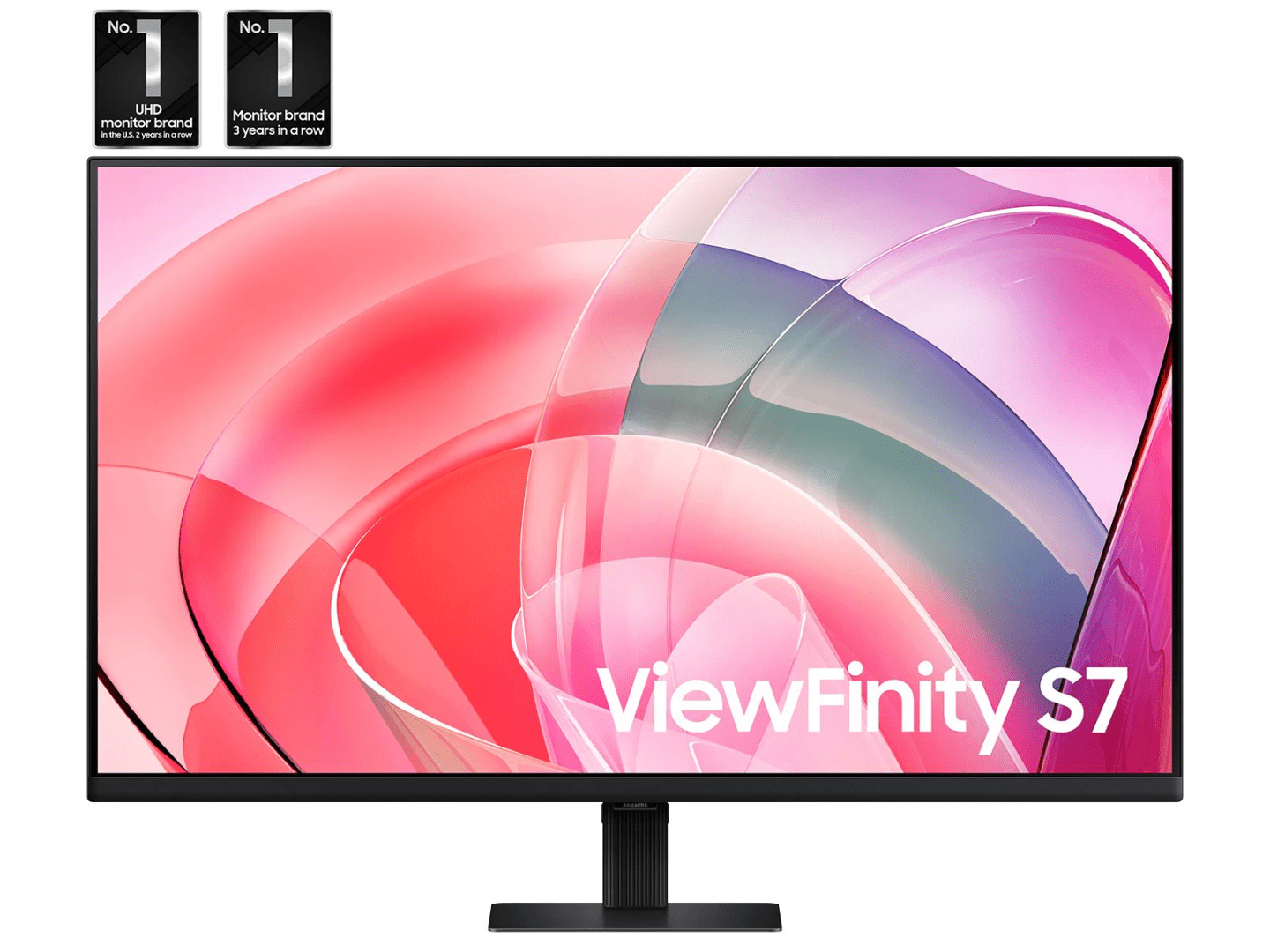
This 37″ 4K display was on sale for $380. It had some limitations (not height-adjustable, limited ports) but I was OK with those. (Of course now the better-spec’d sibling, the S80D, is available for $399, with an adjustable stand and more ports, but I’m already committed.) It’s quite impressive to have a huge 37″ display.
But having a 27″, 32″, and 37″ display all on one desk adds some unexpected challenges. I placed the new 37″ monitor on the right, to the side of the 32″ one, and with that setup neck strain is real: imagine typing on a keyboard in front of you while your head is turned to the right to see the screen. It became quickly obvious that wasn’t going to work, at least not without an additional keyboard and mouse in front of that screen. But that would mean pivoting in my chair based on what screen I’m working on, also less than ideal.
OK, so let’s try plan B: 32″ display on the left (landscape), 37″ display in the center (landscape), 27″ display on the right (portrait). It looks nice:
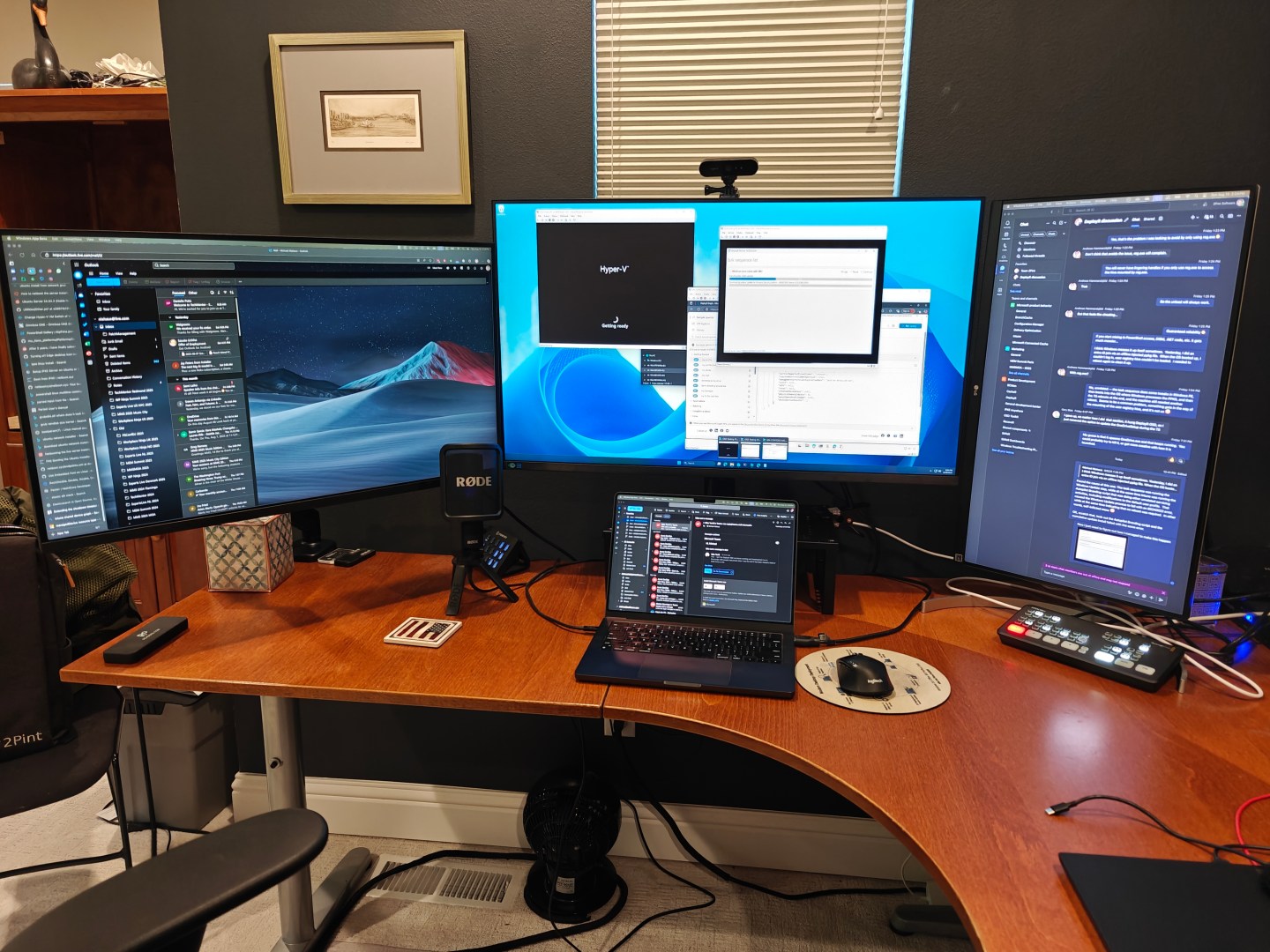
Much less pivoting required (with necessary mounting tweaks to get the 37″ display a few inches higher and to get the 32″ monitor to “float” above the desk.
Is this the final configuration? I don’t think so. While the neck strain is certainly less than it was before, having the 32″ monitor on the left is still not great. The “floating” mount is on an arm attached to the desk that bounces some when I type on the Mac’s keyboard (there’s only so much this Ikea desk can handle), and there’s still too much pivoting required. I think the next attempt will be to rotate the 32″ display so that it too is portrait. Here’s a diagram that illustrates:
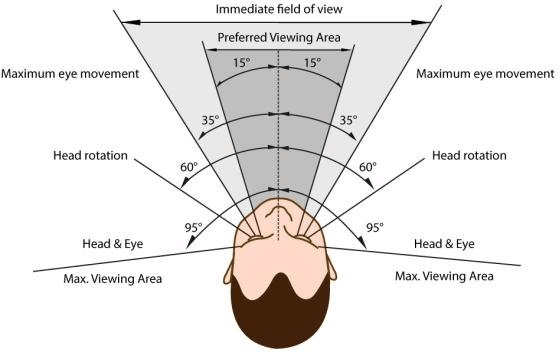
The field of view that includes the far edges of the outside monitors is probably around 100 degrees at the moment. From the diagram, 70 degrees is doable without moving your head. So if I move my head slightly to the right, I can include those two monitors in my field of vision comfortably, but the one of the left is completely out of sight. If I move my head slightly to the left, I can’t get both the 32″ and 37″ inch monitors in a comfortable field of view, hence the desire to either turn my head an uncomfortable amount, or pivot in my chair (and then type at an angle, or get a second keyboard).
Sitting one to two feet further from the displays would also solve the problem, but then I need a new deeper desk. Still, it’s a good (and geeky) problem to have.



 Out of Office Hours
2 responses to “Bigger monitors, new challenges”
I am using a single 43″ 16:9 monitor (tried 48″ but was too big). Windows (or the apps) can still not handle multi monitors to my liking. An application on one monitor can display a dialog in a different monitor and I keep wondering why the application seems to be unresponsive while the dialog box is waiting for my attention in a place I don’t expect to see it.
LikeLike
It’s not much better on MacOS.
LikeLike