
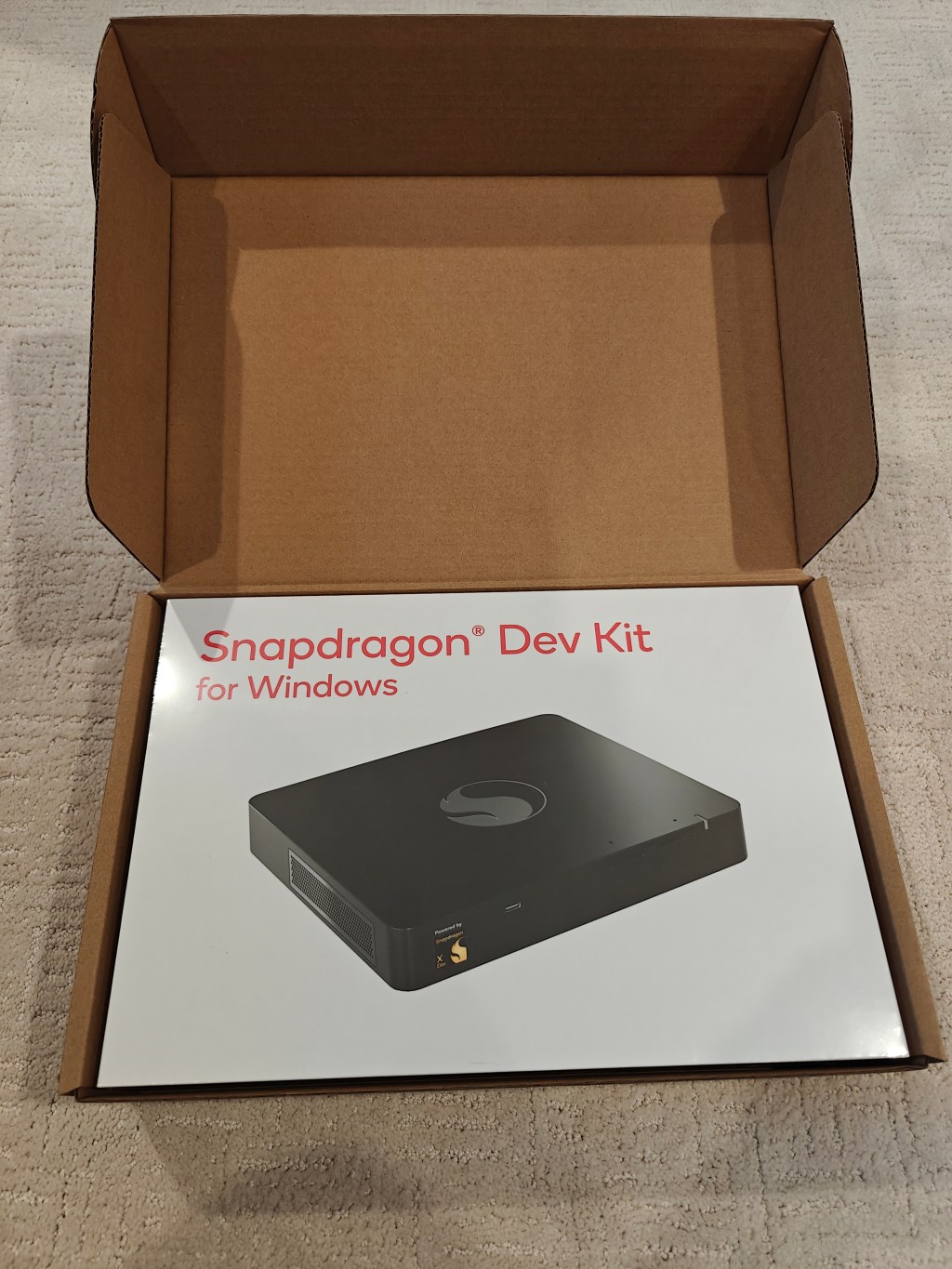
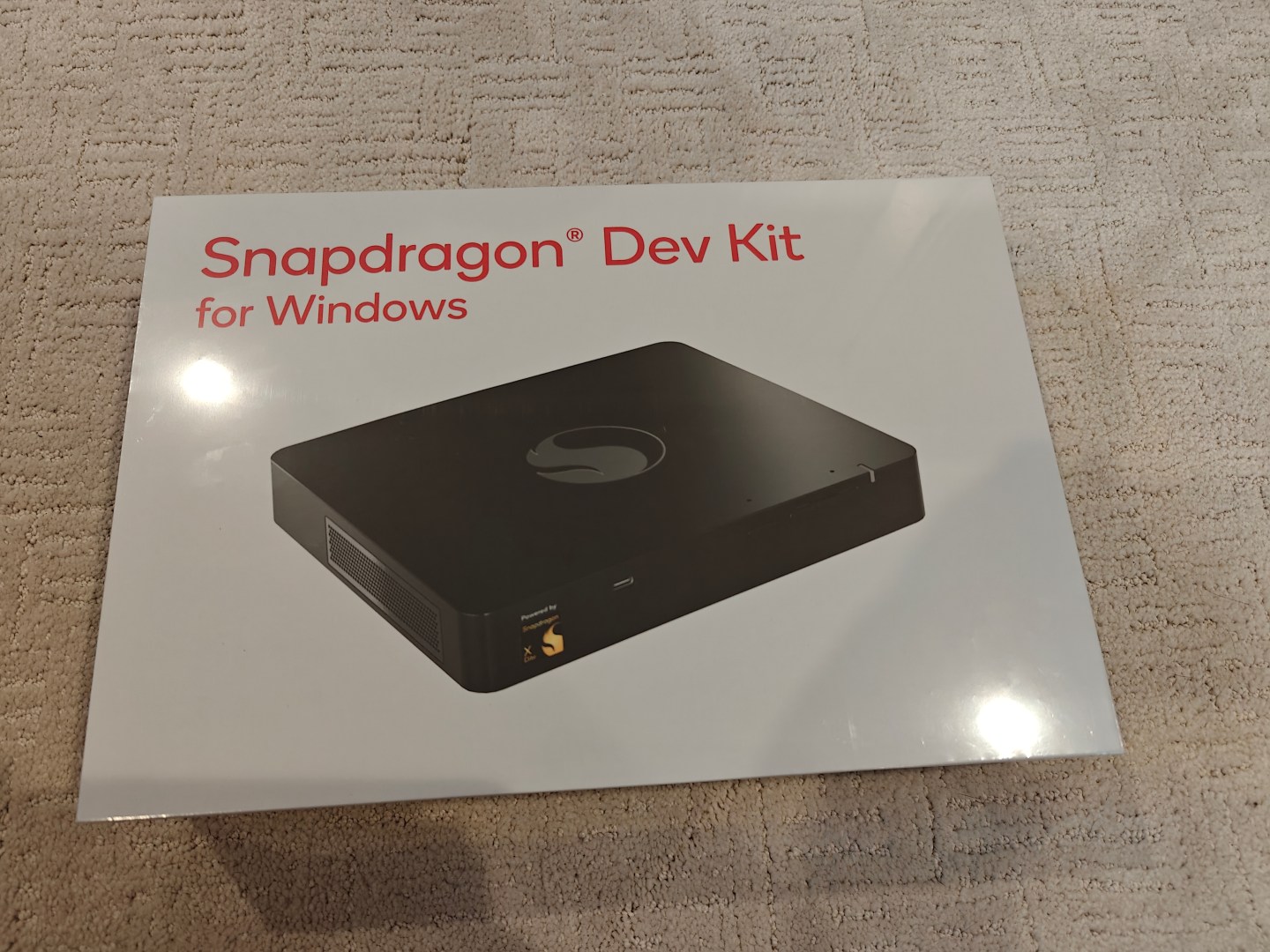
The Snapdragon Dev Kit, an ARM64 desktop PC running the new Qualcomm Snapdragon X Elite CPU, was announced at Build 2024 back in May 2024, and was supposed to ship in June. I ordered one in July and saw the ship date change a number of times, most recently to January 2025. But shortly after the last change, the device finally shipped, and it arrived today.
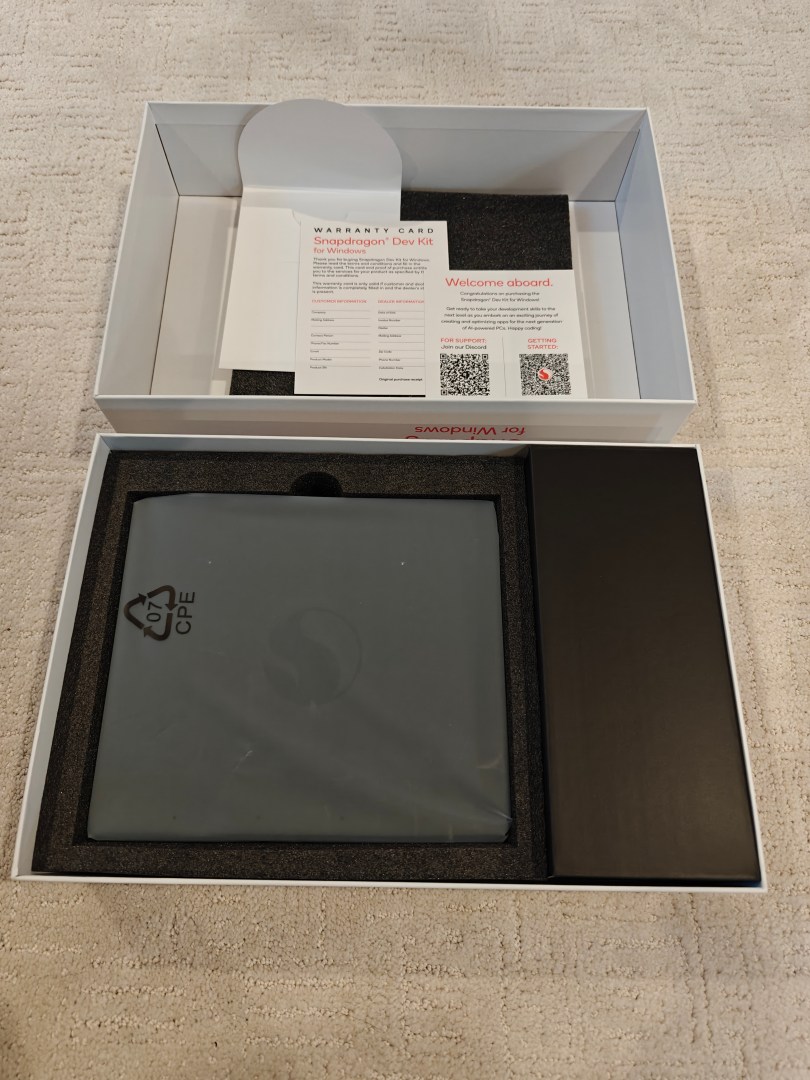
A few obligatory unboxing photos:

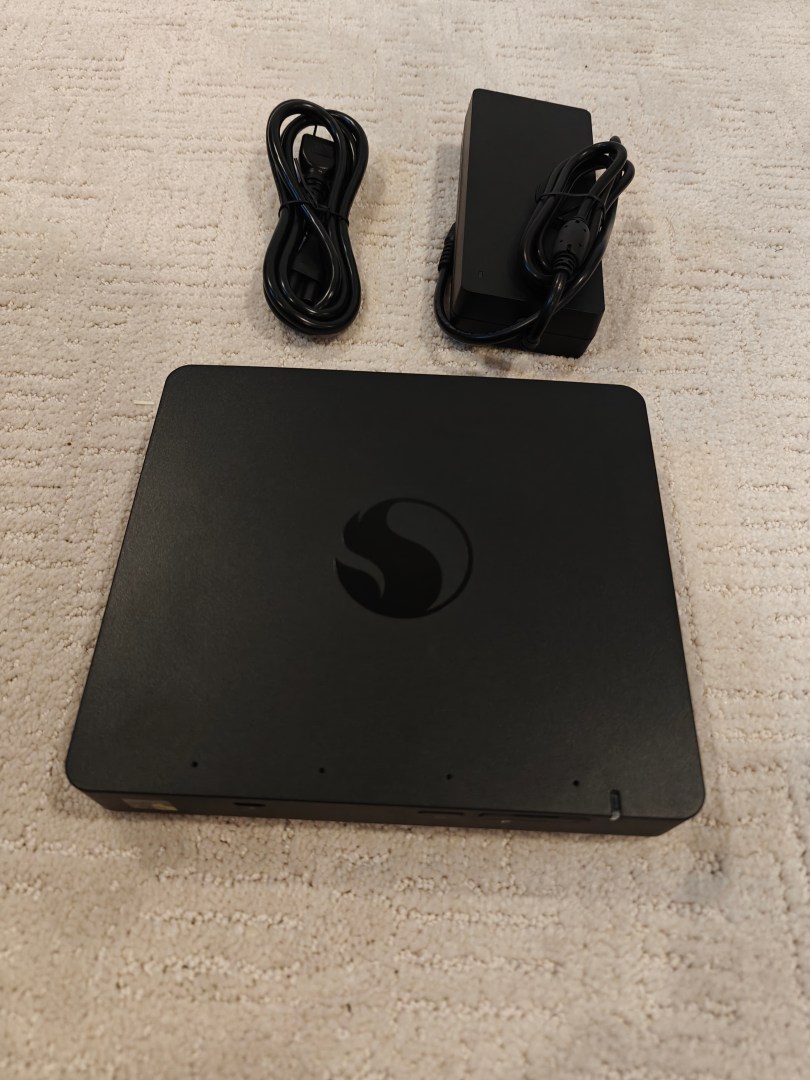
Looking at the device itself, it’s useful to compare it to the growing stack of small form-factor devices that I use for most testing:

The Snapdragon Dev Kit is on the top, and it is slightly bigger than the rest of the machines (an HP Elite Mini, an HP ProDesk, the Microsoft Project Volterra dev kit, a Dell Optiplex 7010 SFF, and an M1 Mac Mini). On the front is a USB-C port, the power button, and an SD card slot behind a small door:
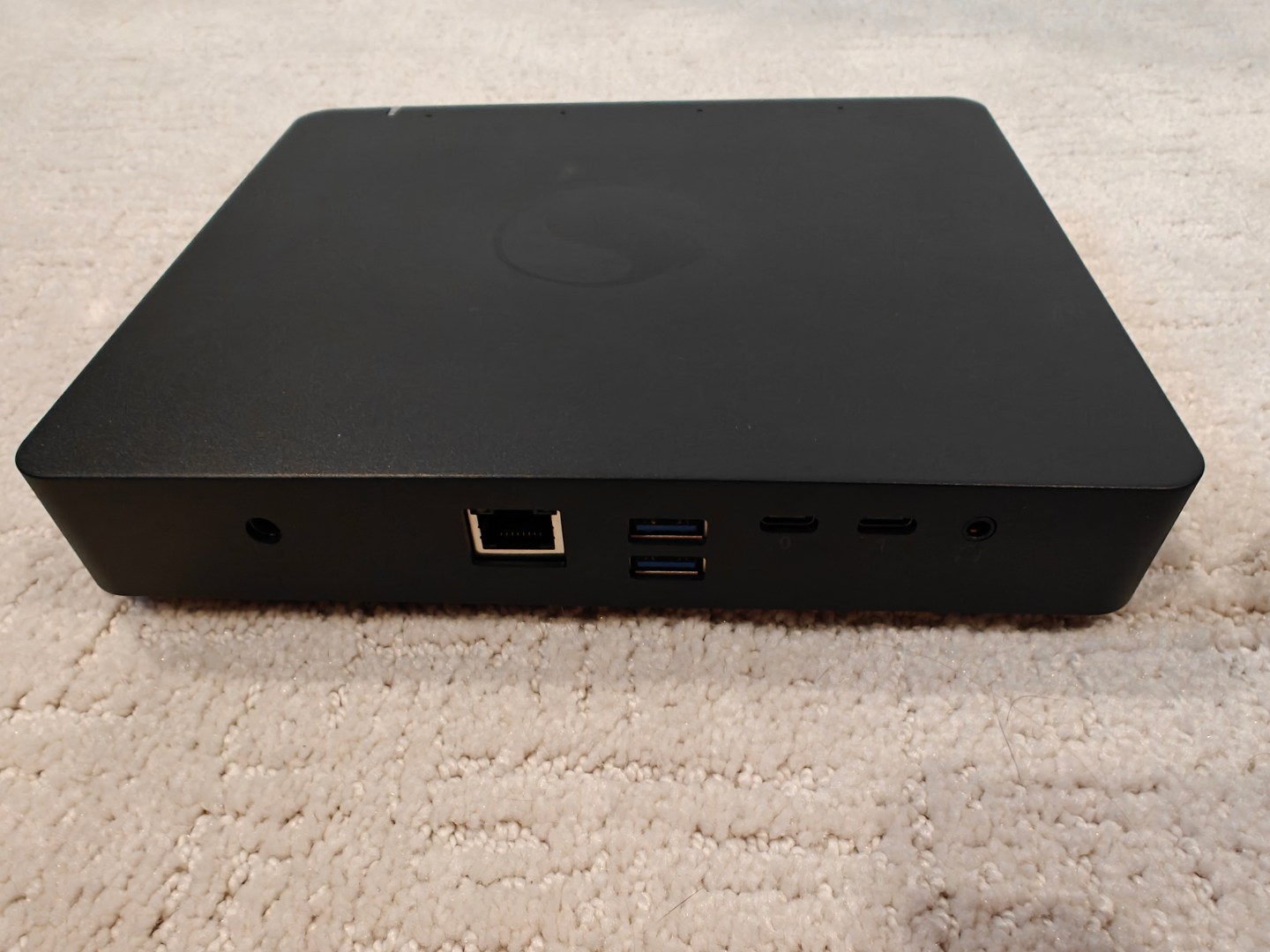
On the back, there is the power connector (barrel, not USB-C), a Realtek Gaming 2.5Gb Ethernet controller (I was surprised to see the port on my TRENDnet 2.5Gb switch turn green), two USB-A ports, two USB-C ports, and an audio jack.
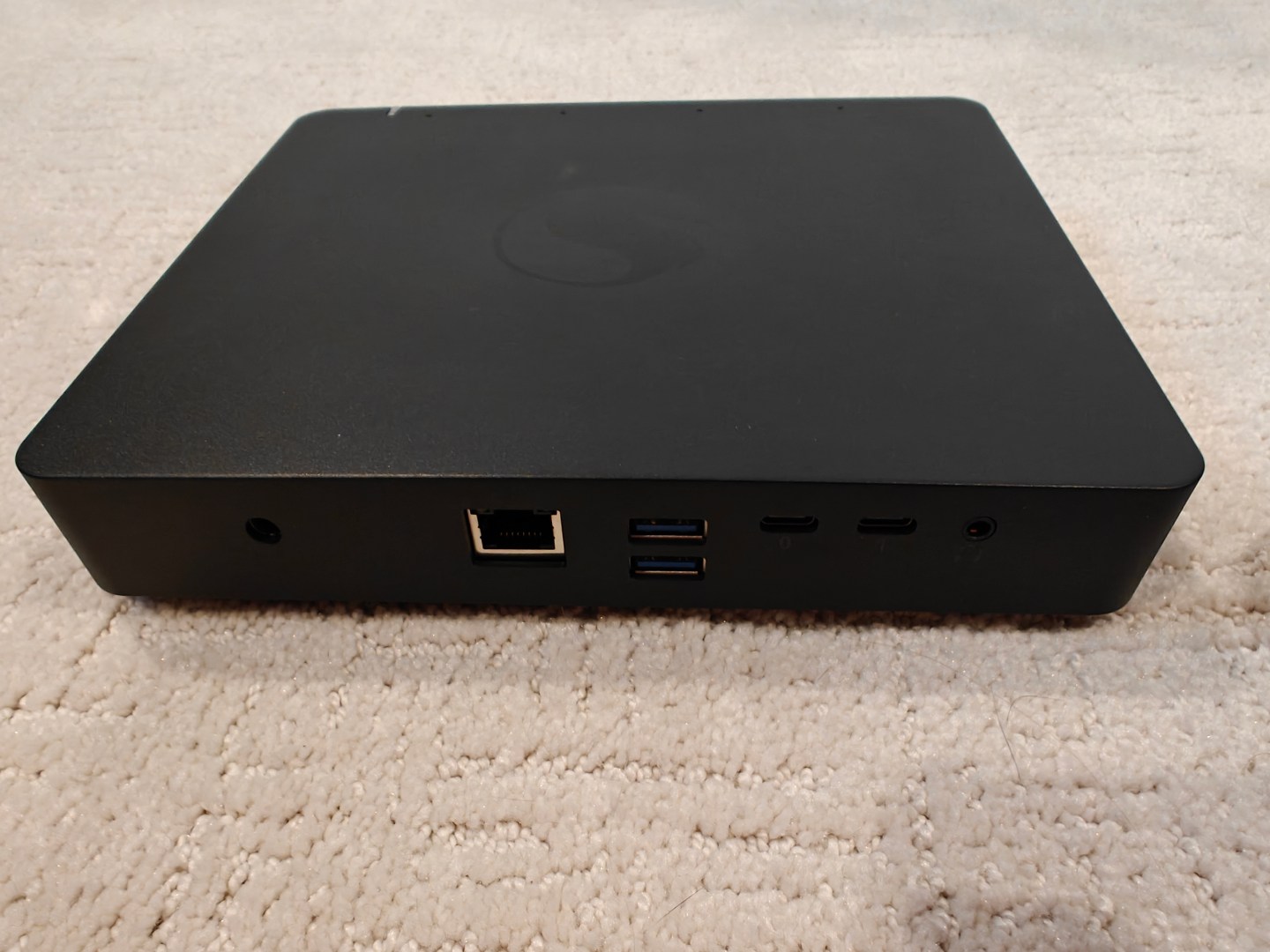
Notice what isn’t there? No HDMI or DisplayPort. Fortunately, I had a USB-C to HDMI adapter laying around (one that didn’t work with other devices in the stack, so it was good to finally put it to work) that worked fine.
The first boot experience was fairly typical: 20+ minutes of updates (Windows and firmware), unnecessary OOBE prompts, reboots, sign-ins, etc. Here’s a slightly edited version of the whole process (taking out some of the black screen time and my sign-in process, but little else):
Notice at the end of this that I spent a fair amount of time clicking on the Start button and task bar with nothing happening — it just didn’t respond at all. Nor could I open up settings, even from Task Manager or a command prompt. I eventually gave up and rebooted. Typical Windows — the machine itself was fine, but the shell wasn’t working. After the reboot everything was fine.
It’s also worth pointing out the fan noise: when doing something significant (e.g. installing Windows updates), you can definitely hear the fans. It’s easily the loudest machine in the stack — initially I thought someone was vacuuming somewhere else in the house.
It’s interesting to see how far ARM64 devices have come: there was only one emulated process running on the machine (the Edge updater of all things), everything else was native.
The device shipped with Windows 11 Home (24H2 unpatched RTM, so updates were definitely needed) — I’m sure that’s a cost-cutting measure, but it’s still unfortunate. It has a Snapdragon X Elite X1E001DE CPU with 12 CPU cores and a Hexagon NPU, 32GB of RAM and a 500GB FORESEE XP220F512G M.2 SSD, along with the standard assortment of Qualcomm supporting devices (Wi-Fi, Bluetooth, SD card, human presence sensor, audio, etc.).
The weirdest thing about the device is the disk partitioning:
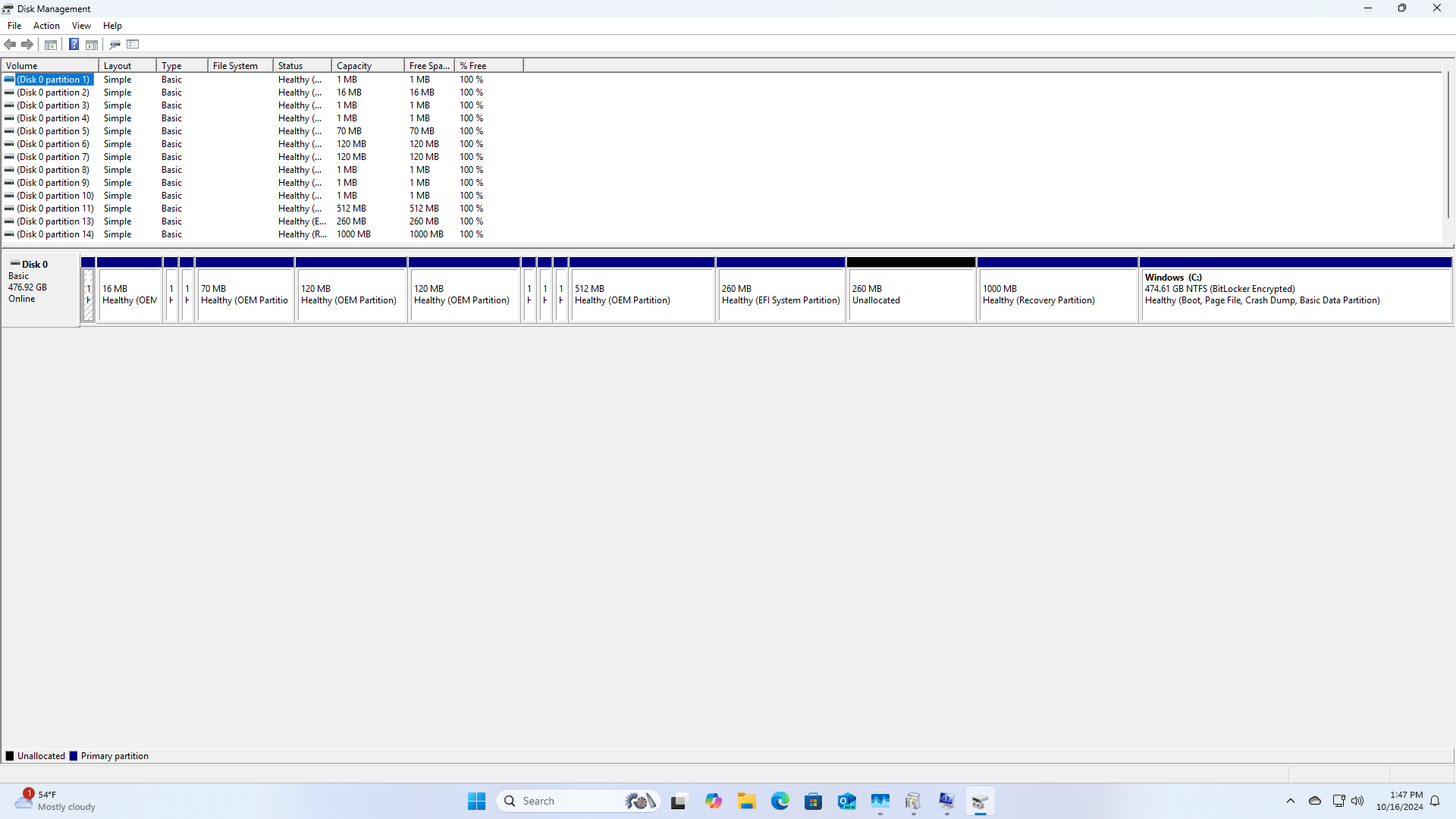
What a mess. It’s somewhat harmless, but still, no Windows device should ship with 14 partitions. I’ll likely end up reimaging the device anyway, so I’ll take care of that later.
Overall, it seems like a decent device for scenarios I had in mind (software testing, OS deployment testing, etc.).



 Out of Office Hours
5 responses to “Another toy: the Snapdragon Dev Kit”
I just heard they discontinued this. I want to try something with a snapdragon processor, so perhaps it’s the t14s Gen 6 for me.
LikeLike
Yep, they did. There’s no HDMI port because supposedly they failed FCC testing or something. Snapdragon Dev Kit for Windows – the fastest X Elite, tested | Jeff Geerling
Sounds like something they just slapped together.
LikeLike
How do you actually get into the UEFI BIOS? All the keyboard combinations don’t work, and likewise advanced startup options from Windows.
LikeLike
Hmm, will need to try that when I get back to the device — it’s at home, I’m not.
LikeLike
Check out Jeff Geerling’s video. I follow him for Raspberry Pi content, but he did a great review of this kit:
https://www.jeffgeerling.com/blog/2024/snapdragon-dev-kit-windows-fastest-x-elite-tested
LikeLiked by 1 person