
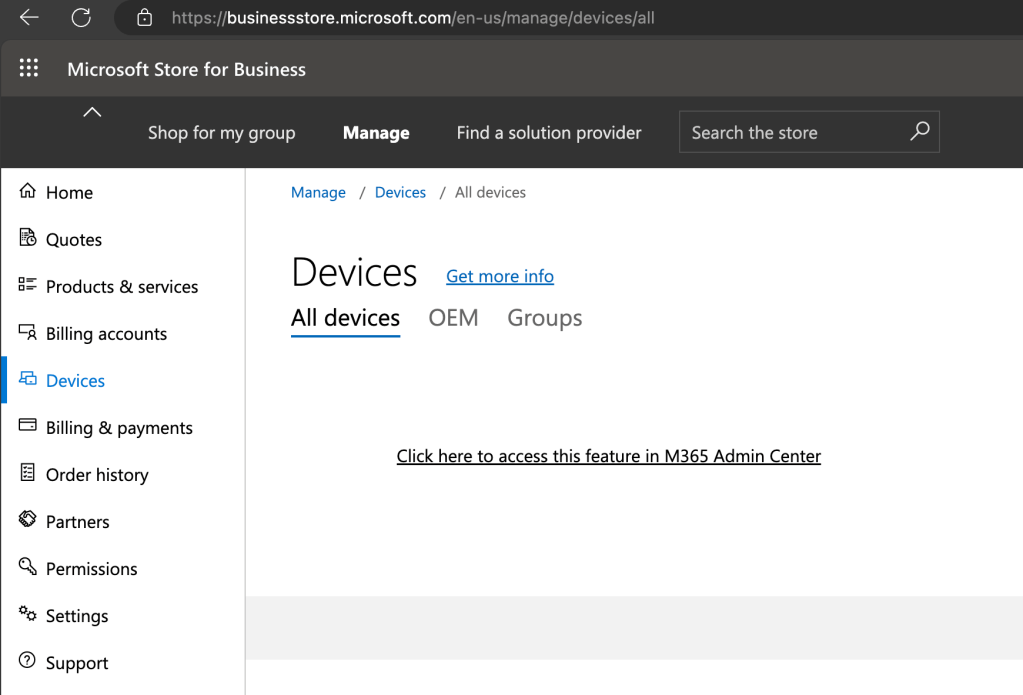
In the slow march to its final death, the Microsoft Store for Business (and presumably the Microsoft Store for Education as well) has removed the ability to add, edit, and remove Autopilot devices. That’s a bit anticlimactic, because most customers have probably forgotten about the Store for Business/Education since the private store feature was removed from Windows.
But there are some customers that still used it because it let you do something that you couldn’t do via Intune: directly (and quickly) assign and remove Autopilot profiles from registered devices. That doesn’t mean it was a good idea though. The Autopilot support in the portal was stuck in 2018 and didn’t know anything about any Autopilot or ESP functionality introduced since then.
The page in the Store for Business now directs you to the Microsoft 365 admin center:

While the link says that it will “access this feature in M365 Admin Center,” it instead redirects you to the Intune devices page (not quite the right location, but close enough I suppose).
But the actual M365 Admin Center page still exists, at the moment at least, with the same functionality as the Store for Business. You can access that from https://admin.microsoft.com, under Devices -> Autopilot:
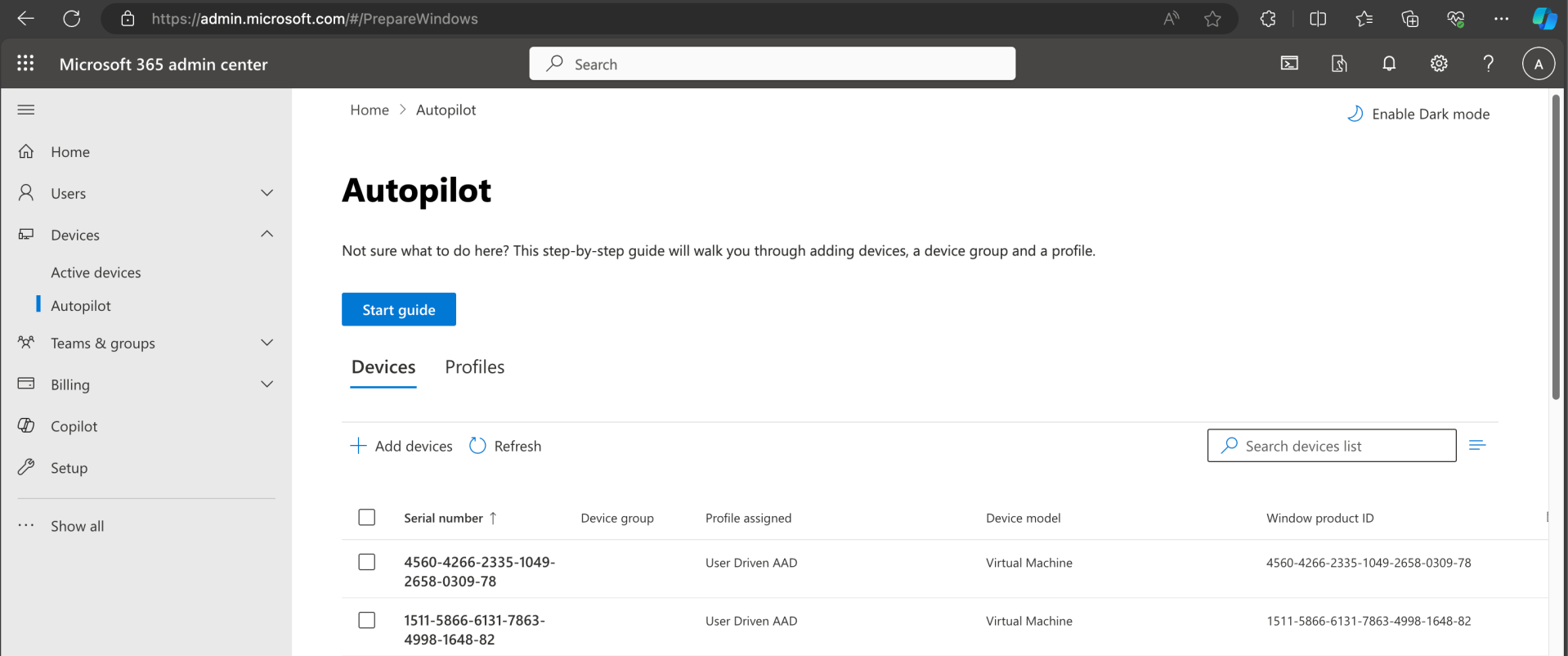
That’s not really any better though, because it too is stuck in 2018 and will likely (and should) go away at some point, hopefully soon. Stick to the Intune portal for Autopilot (v1) device registration.


 Out of Office Hours