
After doing a clean install of Windows 11 24H2 (Insider Preview), I noticed that there was a new “Learn about this picture” icon on the desktop.
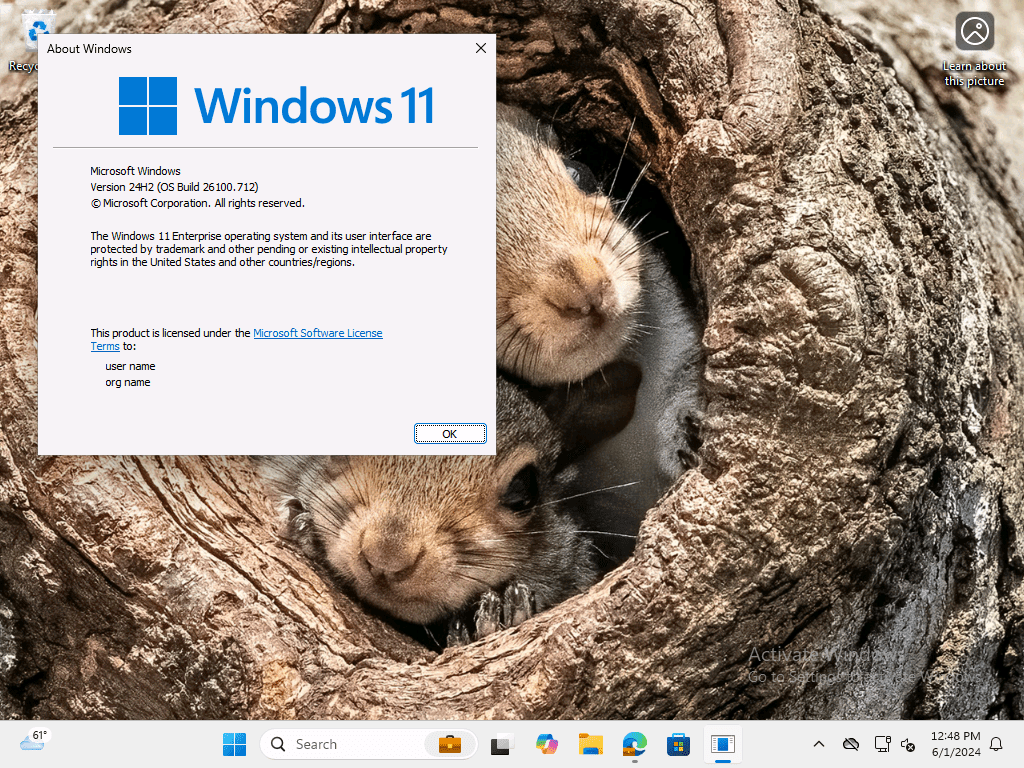
There’s nothing I hate more than something on the desktop that I didn’t put there myself (except for the “Recycle Bin” because it’s too hard to find otherwise), so I started looking for a way to turn that off. There’s nothing obvious in the UI or in policies, but there is a solution:
So that post on winaero.com has the magic that is needed to do that, using either a per-user registry entry or a utility app that lets you do other Windows/Explorer tweaks. The registry key in question:
[SOFTWARE\Microsoft\Windows\CurrentVersion\Explorer\HideDesktopIcons\NewStartPanel]
“{2cc5ca98-6485-489a-920e-b3e88a6ccce3}”=1

After making that change then logging out and back in again, it’s gone:
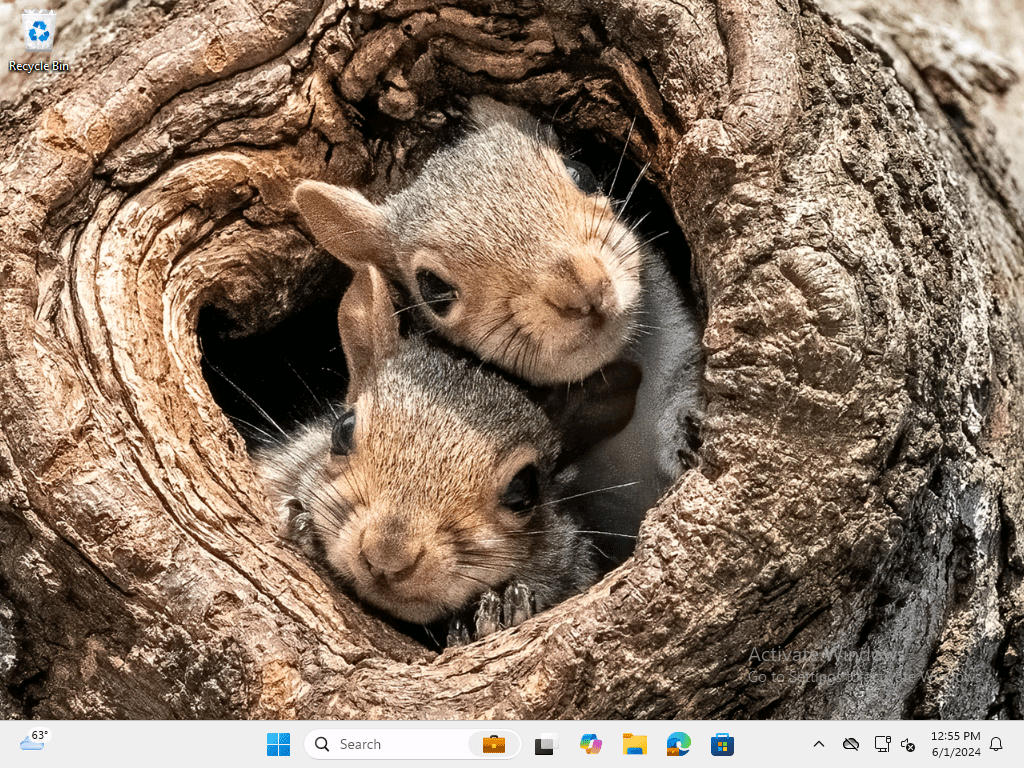
I added a line to the Autopilot Branding script to take care of this on Intune-provisioned devices, but this wouldn’t take care of upgraded devices — you would need to push a script to all users to make a similar change/remediation after an upgrade.



 Out of Office Hours