
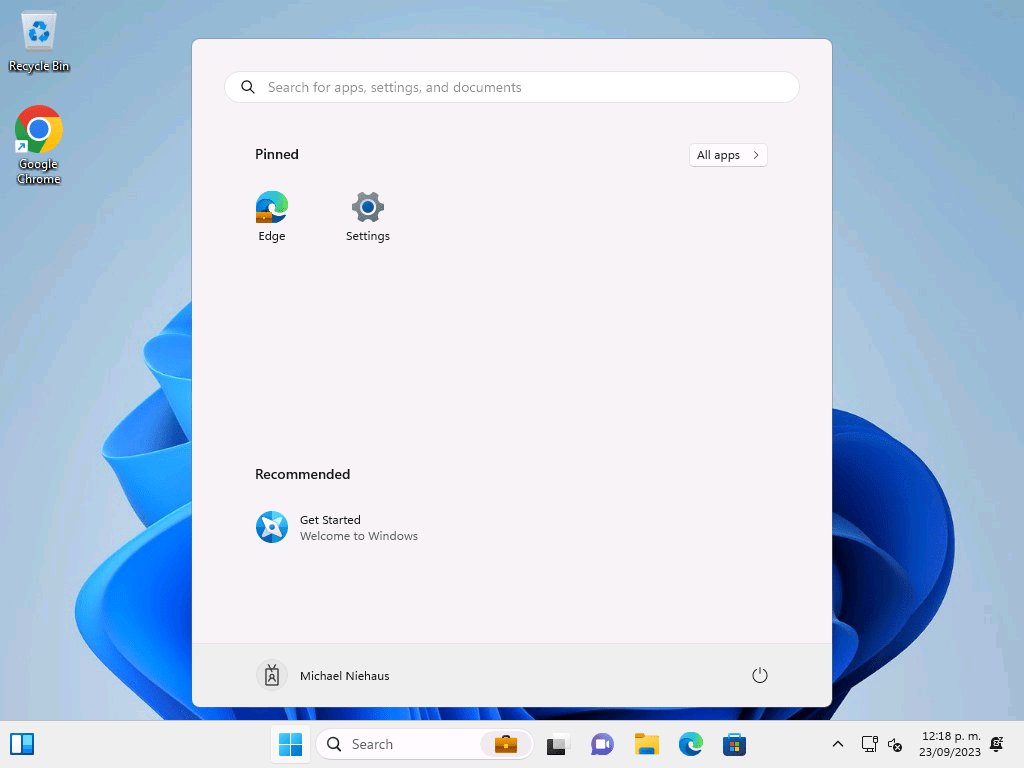
It’s something that always annoyed me: Why does the Start menu pop up when you first log in to Windows, both on a new install and on an upgrade? It’s not really necessary and can get in the way if you’ve got any auto-launching apps; they end up behind the Start menu, so you have to click Start to get the menu to go away.
Fortunately, it’s pretty simple to stop that. You just need to set a registry key in the default user profile that tells Start that it has already done this. Here’s what that looks like in the Autopilot Branding script:
# STEP 2A: Stop Start menu from opening on first logon
reg.exe add "HKLM\TempUser\Software\Microsoft\Windows\CurrentVersion\Explorer\Advanced" /v StartShownOnUpgrade /t REG_DWORD /d 1 /f | Out-Host
It’s only one extra line because there was already logic to mount and unmount the default user registry hive. As long as that value is injected before a new user logon, that flag tells Windows not to pop up the Start menu again.
This won’t help for OS upgrades, since those will can replace the default user profile registry hive, but at least for Autopilot provisioning this is easy enough to do.


 Out of Office Hours